















- General
- Healthcare
- Manufacturing
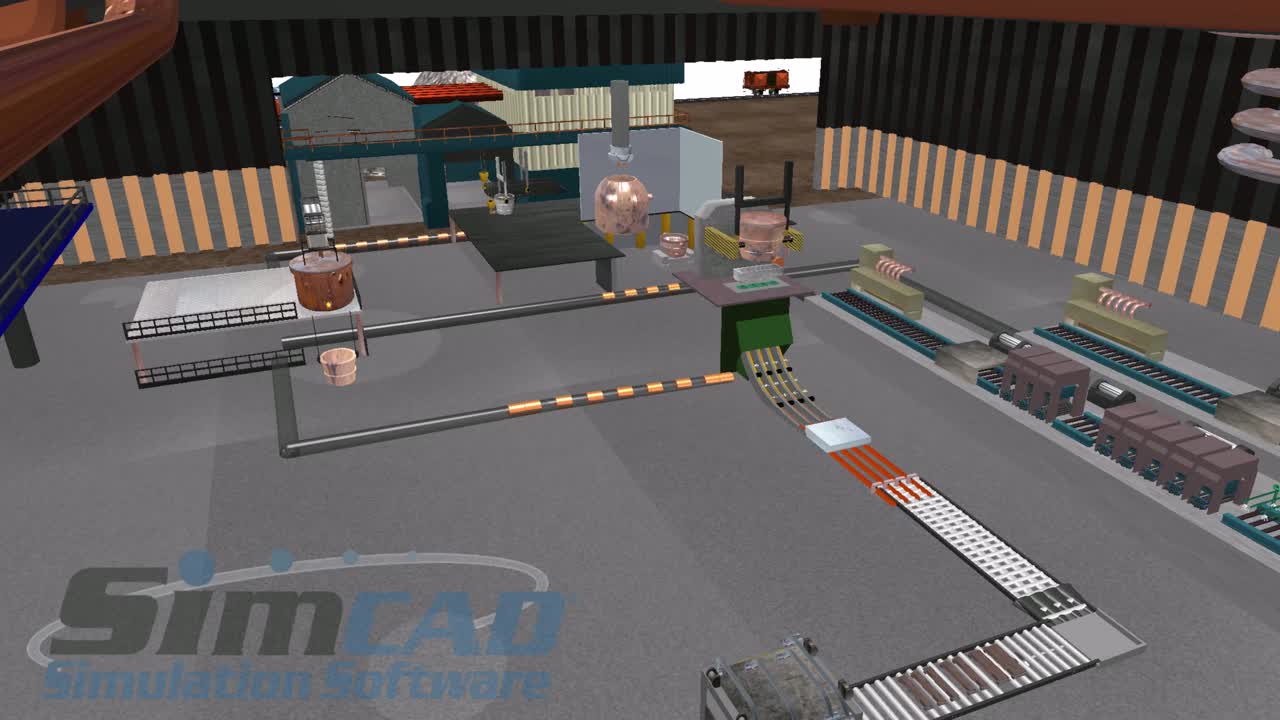
Automation Line - Automation Technologies Industries (ATI)
Automation Technologies Industries (ATI) , a leader in factory automation, takes advantage of Simcad to demonstrate solution feasibility of a new conveyor…

CreateASoft, Inc.
OPTIMIZE TODAY FOR A BETTER TOMORROW™
Simcad® builds a working replica of your operation (in 2D, 3D and VR) so you can find the bottlenecks, test the fix and prove the business case before anything moves on the floor.
Coca-Cola HBC, Ross Dress for Less, Simpson Strong-Tie, Kuehne+Nagel, Nissan, Legrand, nGROUP Performance Partners, Sincronía Logística, Shaw Floors, OPmobility, McGard, BorgWarner, Mazda, MCM, Boston Children’s Hospital, Hendrickson.
The basics
Two related ideas that are easy to conflate: here's the difference, and how Simcad® uses both.
Simulation is a virtual model that behaves like the real thing under real-world conditions. Applied to your operation, it mirrors your processes, layout, or system, allowing you to validate layouts, staffing levels, scheduling, maintenance, and much more. The result? Fewer costly surprises and real savings, before you ever commit to any changes.
A digital twin is a virtual model or replica of a physical object, system, or process that is used to simulate, analyze, and optimize its real-world counterpart. By integrating real-time data from sensors and other sources, a digital twin provides a dynamic representation that can predict performance, identify inefficiencies, and enable more informed decision-making. This technology is commonly used in industries like manufacturing, healthcare, and logistics to improve operations, enhance product development, and reduce costs.
What we do
Three ways CreateASoft helps operations teams see, test and improve the way work actually flows.
Simcad® simulates your current operation to detect bottlenecks, inefficiencies, and plan for improvements. Reduce Risk and Maximize Efficiency.
Digital Twin Studio® monitors, predicts, and optimizes the operation in Real-Time based on an integrated AI and Machine Learning engine.
With over 30 years of experience, our team is ready to help you tackle your digital twin and simulation initiatives, automation migration, or new design validation.
Why simulate
Our simulation software offers a risk-free, interactive environment to visualize, analyze, and optimize process flows.
By using dynamic interactive simulations, you can assess the impact of improvement ideas, define and test automation solutions, and identify bottlenecks and efficiency losses. With dynamic simulation, users can create a step-by-step plan towards achieving an optimal future state, ensuring streamlined operations and enhanced productivity.
Dynamic simulators offer a model building environment with constructs that let users define models without heavy coding. Our interactive dynamic simulators enable real-time changes to model constraints during simulations, creating an almost game-like experience that significantly reduces the time needed for model building, debugging, validation, and optimization.
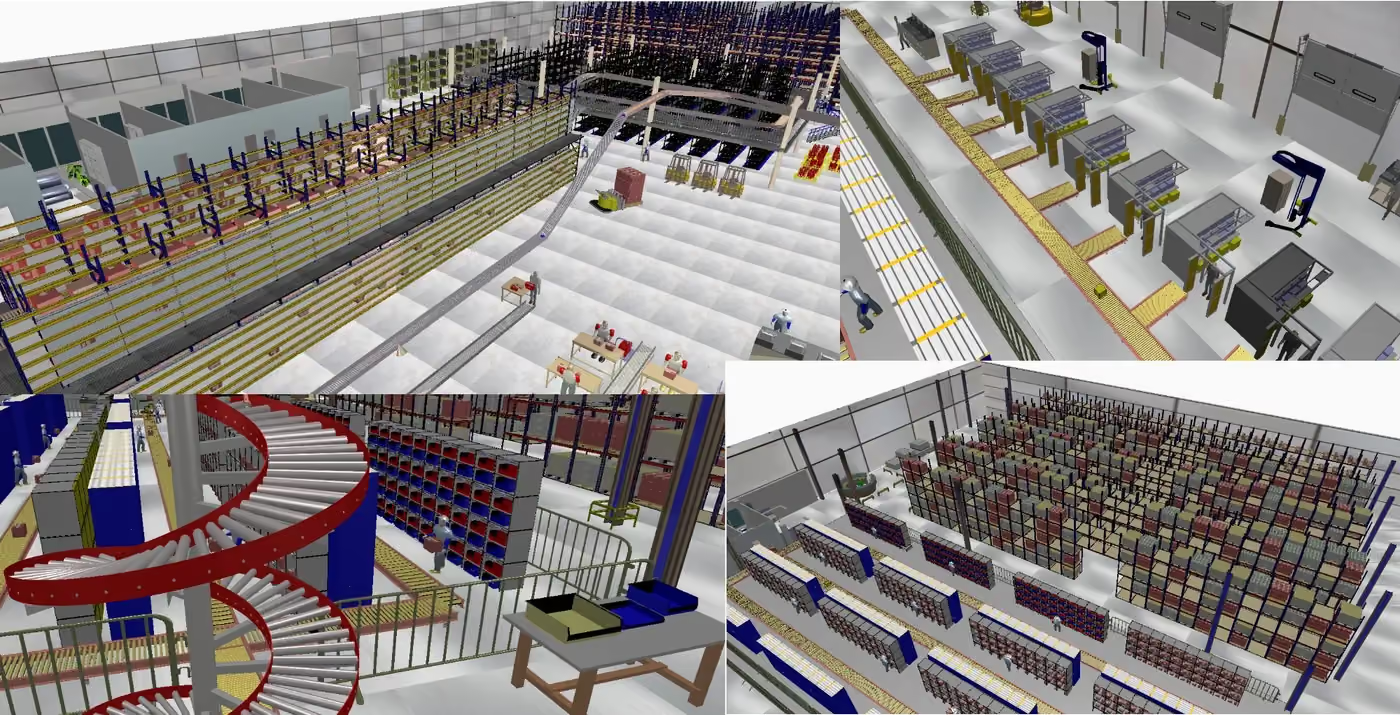
Rapid Model Building: Supports 2D, 3D, and VR/AR visualization for a complete and immersive understanding of your operations.
Interactive Model Validation: The built-in AI/ML engine generates accurate models for any operation, including both discrete and continuous settings, ensuring precision and reliability.
Comprehensive Data Analysis: Data analysis tools are readily available, making it easy to compare simulation results with actual performance metrics.
Versatility in Application: Simcad® can be utilized to analyze existing operations, design new processes, or validate automation and flow changes, all with minimal risk.
Risk Reduction: By enabling detailed simulations and validations, Simcad® helps in minimizing the risks associated with implementing new processes or changes in existing workflows.
Applications by industry
The same engine, tuned to the constraints that actually govern your operation.
New features
Simcad® supports 2D, 3D and VR/AR visualization, generates value stream maps from model constraints, and now renders and simulates faster than ever.
Research library
47 white papers and case studies from three decades of simulation projects, free to read, no registration.
Using Dynamic Simulation brings operations into a virtual environment, taking away all the risk of costly experimentation.
Analytics And Inventory Management: Full support for AGV, ASRS, tuggers, conveyors, robots, and material handling equipment.
Proactive management with real-time forecasting and dynamic simulation for lean logistics, distribution center, and supply chain.
Improving the ED, OR Department, Radiology, labs, bed allocation, room specialty schedule and internal supply chain with simulation.
Next generation predictive analytics and dynamic simulation, real-time integrated solution providing predictive analytics.
Real-Time interactive 3D simulation environment to improve, optimize and visualize process flow systems.
Testimonials
Case studies
Named projects, published results: the work behind the numbers above.
Automation Technologies Industries (ATI) , a leader in factory automation, takes advantage of Simcad to demonstrate solution feasibility of a new conveyor…
Kilgore Flares is one of four operating companies in ATK's Conventional Munitions Group. It designs and produces small, medium, and large caliber ammunition…
Molded Fiber Glass had a modest beginning in 1948 in Ashtabula, Ohio, near the shores of Lake Erie. Robert S. Morrison, our founder, and a handful of…
The Eaton Cutler Hammer facility has two separate areas of assembly. Eleven production lines compose the Load Center Assembly Area while 17 production lines…
Download the free Simcad Lite edition, or ask us for a Digital Twin Studio walkthrough of your process.
Or talk to us directly: (630) 851-9474 · sales@createasoft.com