- General
- Healthcare
- Manufacturing
Automation Line - Automation Technologies Industries (ATI)
Automation Technologies Industries (ATI) , a leader in factory automation, takes advantage of Simcad to demonstrate solution feasibility of a new conveyor…

Food & Beverage Simulation
Food & Beverage Simulation with Simcad® Process Simulator provides advanced simulation software for creating detailed models of continuous flow production processes in the food and beverage industry. Improve efficiency and Overall Equipment Effectiveness (OEE) in your manufacturing operations with Simcad®.
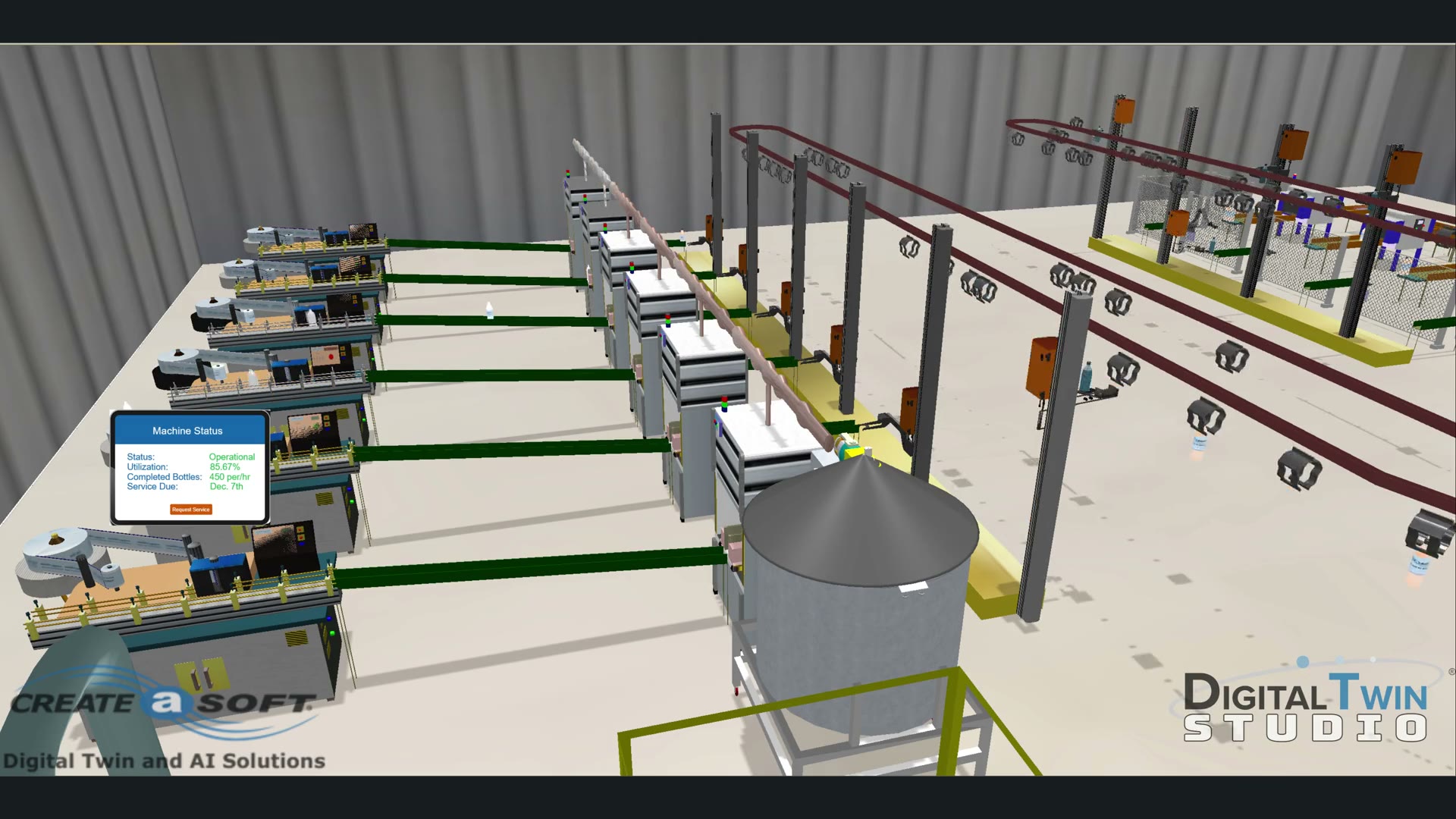
Create comprehensive models of liquid and loose material processing in silos, as well as discrete entities like cups, bottles, and cases.
Model detailed production schedules, plant capacity, assembly lines, manpower, automation, and material handling.
Analyze filling, packaging, Clean-In-Place (CIP), and changeover processes to identify areas for improvement.
Visualize production processes in 2D, 3D, and Virtual Reality (VR) for better understanding and optimization.
Utilize built-in optimization and scenario analyzer tools to eliminate bottlenecks and inefficiencies within the production line.
Enhance overall process efficiency and increase OEE.
Improve tank scheduling and Clean-In-Place procedures.
Ensure adherence to schedules and minimize slippage.
Enhance the efficiency of your distribution network.
Assess the impact of new equipment on your processes.
Optimize the interaction between Automated Storage and Retrieval Systems (ASRS), Automated Guided Vehicles (AGV/STV), and conveyors.
Streamline the interaction between manual and automated systems.
Improve capacity planning and scheduling across your operations.
Leverage neural network optimization for advanced decision-making.
Optimize resources and schedules for maximum efficiency.
Optimize equipment usage, facility layout, and Work-In-Progress (WIP) management.
Improve asset utilization by optimizing tank sequencing.
Increase equipment utilization and optimize CIP schedules.
Understand and mitigate risks due to variations in raw material availability.
Manage waste products and associated storage requirements.
Optimize material handling and conveyance processes.
Determine the impact of charging cycles on facility operations.
Visualize equipment availability, utilization, and travel distance.
Analyze overall movement efficiency and optimize transfer speeds.
Increase overall throughput and optimize material movement logic in food distribution and manufacturing.
Enhance packaging process efficiency.
Analyze and optimize the interaction and utilization of robots and resources.
Increase throughput at manual stations.
Optimize maintenance, cleaning, and changeover sequences.
Simulation for Dummies
Using the software is pretty simple. The online tutorials get you started in the right direction and keeps things simple. Each step of the build phase is easy and requires very little knowledge of how to write code.
Simcad® brings continuous-flow and discrete production into one model, so scheduling, CIP and packaging decisions can be tested against each other before they reach the line.
Automation Technologies Industries (ATI) , a leader in factory automation, takes advantage of Simcad to demonstrate solution feasibility of a new conveyor…
Kilgore Flares is one of four operating companies in ATK's Conventional Munitions Group. It designs and produces small, medium, and large caliber ammunition…
Molded Fiber Glass had a modest beginning in 1948 in Ashtabula, Ohio, near the shores of Lake Erie. Robert S. Morrison, our founder, and a handful of…
Tell us about the operation you need to model and we'll show you what Simcad® does with it.
Or talk to us directly: (630) 851-9474 · sales@createasoft.com